Woodpecker
Set the rhythm, define the boundaries, and let the run finish on your terms. Woodpecker keeps precise input automation compact, visible, and easy to stop.
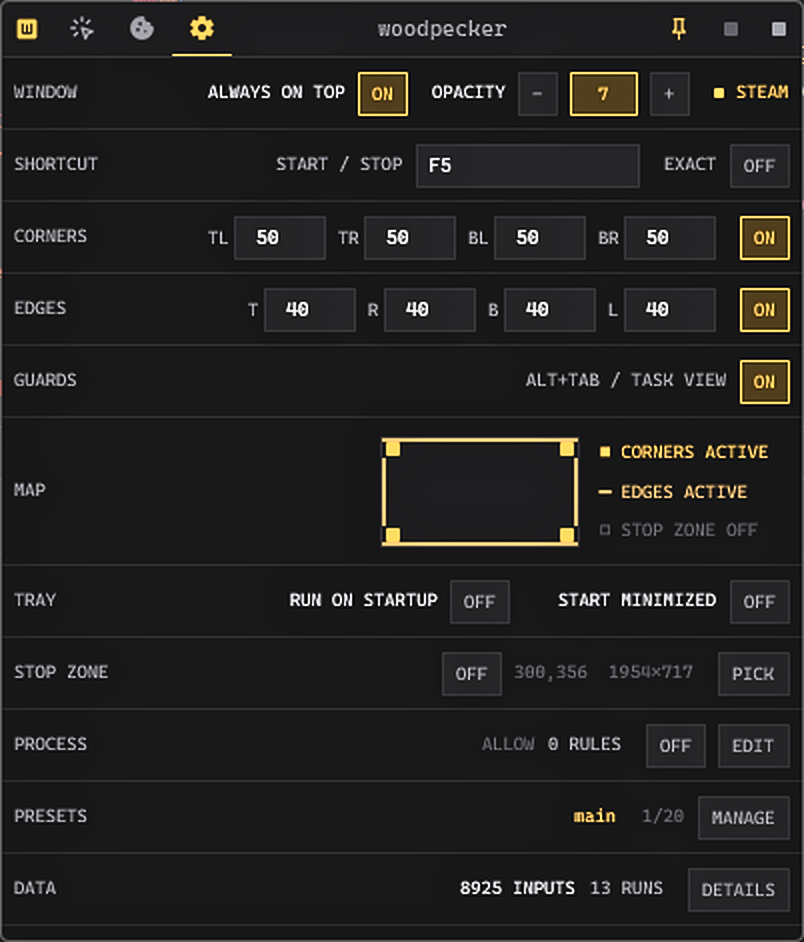
Choose rate or exact delay.
Duty, jitter, double-click, and bounded runs stay optional until needed.
Turn screen points into a path.
Pick one point or many and keep the selection visible while editing.
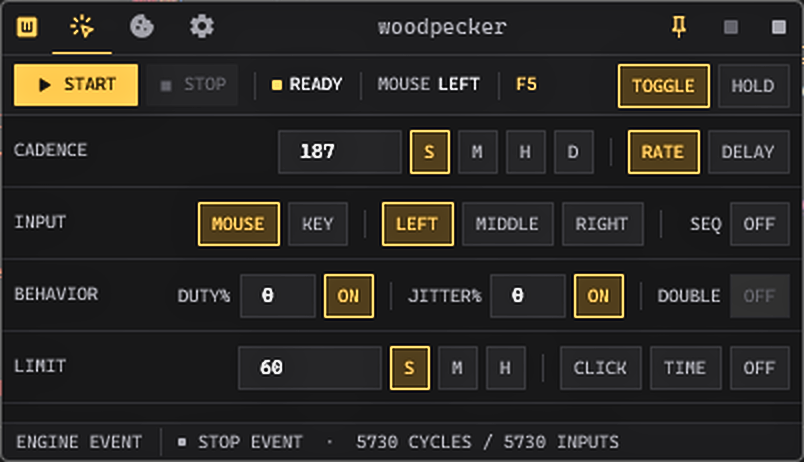
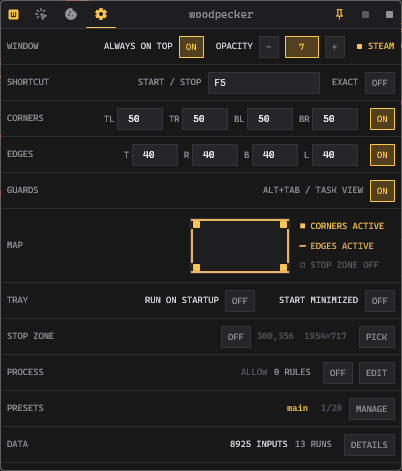
Define where a run is allowed.
Corners, edges, stop zones, task switching, and foreground process rules.
Return to a known configuration.
Save the complete run and carry it through Steam Cloud.
 Native Windows automation
 Set the rhythm. Pick the button. Start.
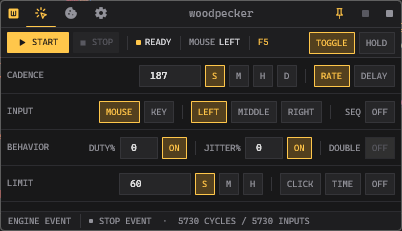
Choose rate or delay, shape the press, add controlled variation, and stop by click count, time, or the global hotkey.
Put the controls where you need them.
Keep Woodpecker above another window, tune opacity, define exact shortcuts, protect screen boundaries, and save complete presets.
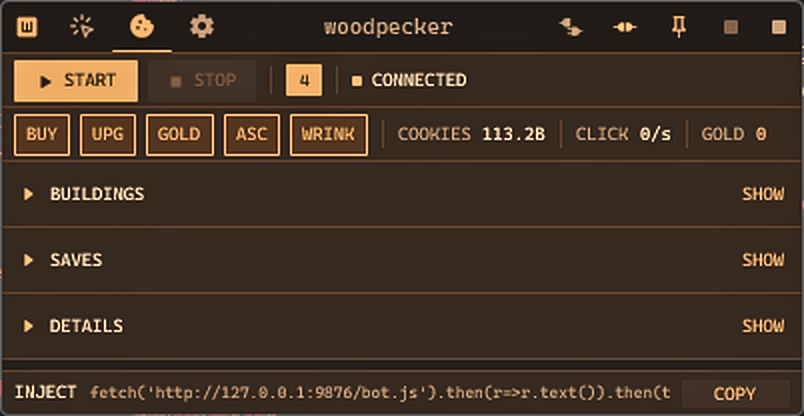
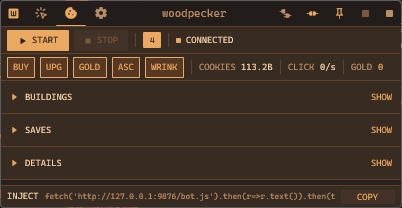
Long browser runs, handled locally.
Cookie mode keeps building controls, saves, ascension state, and the smart buyer in a separate local workspace with its own visual language.
Stop conditions belong beside start conditions
Start or stop from another window without returning to Woodpecker.
Independent corner and edge guards, plus a custom drawn stop zone.
Pause or stop on task switching and configured process rules.
Finish after an exact click count or elapsed time.
You get unmatched timings
GPUI renders configuration and telemetry. A native x64 assembly engine owns the timing path. With the timing path this close to the metal, clicks remain precise without turning the interface into the clock.
Read how the engine is divided →Compact native process footprint
Typical observed CPU use
Caution Use at your own risk. Target software and Windows may not safely process extreme input rates.
Wishlist now on Steam
Cloud-synced settings and presets, achievements, and a promise of a better software.